Drag to rotate 3D
Private Commercial 3D Studio
Image to 3D Model Generator
Turn any photo to 3D model. Preview PBR, Clay, Wireframe—export private GLB, STL, OBJ, PLY.
Watertight STL / 3MFSlice-ready print mesh
Game-Ready GLB / OBJPBR textures for Blender & Unity
100% Private CommercialPrivate workspace, full rights
Auto Credit RefundFailed runs refunded automatically
Inspect 3D geometry & textures
Loading 3D preview…
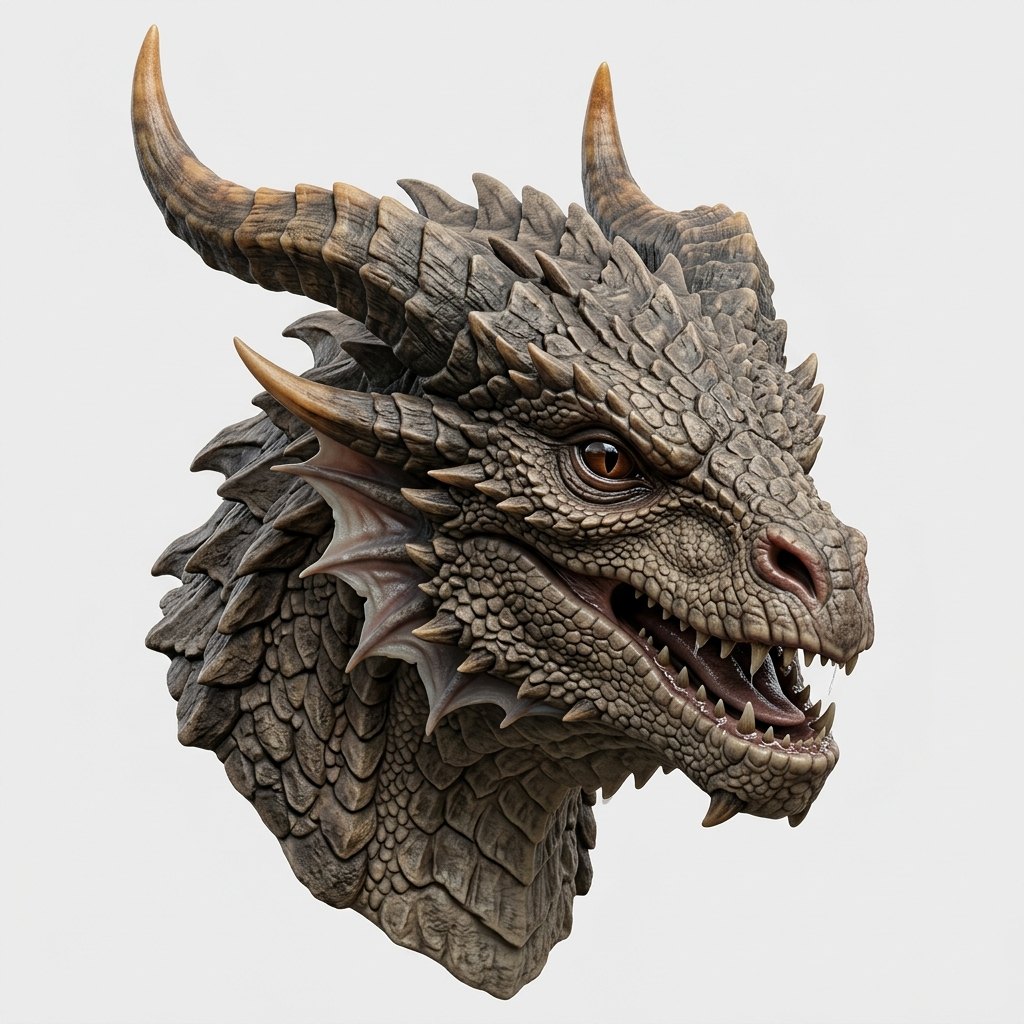
Dragon · Interactive PBR Mesh
Drag to rotate · Switch PBR, Clay, or Wireframe.
Private WorkspacePrivate by default · Commercial STL/GLB rights
4 Production FormatsGLB · STL · OBJ · PLY ready for web, print, Blender
Live Mesh CheckSwitch PBR, Clay, and Wireframe in the viewport
Risk-Free BillingStripe Secure · Failed runs auto-refunded · 7-day unused credit refund
NEW MODEL COLLECTION
New models. Exclusive member access.
Available with Creator and Power. Discover new models as the collection grows.
3D mesh & PBR fidelity
Compare detail tiers at a glance
Drag to rotate 3D
Drag to rotate 3D
Interactive gallery
Inspect saved 3D models.
Rotate geometry and inspect surface relief across subjects.
dragon
Dragon detail test
Inspect the silhouette, horns and surface detail of this saved creature model.
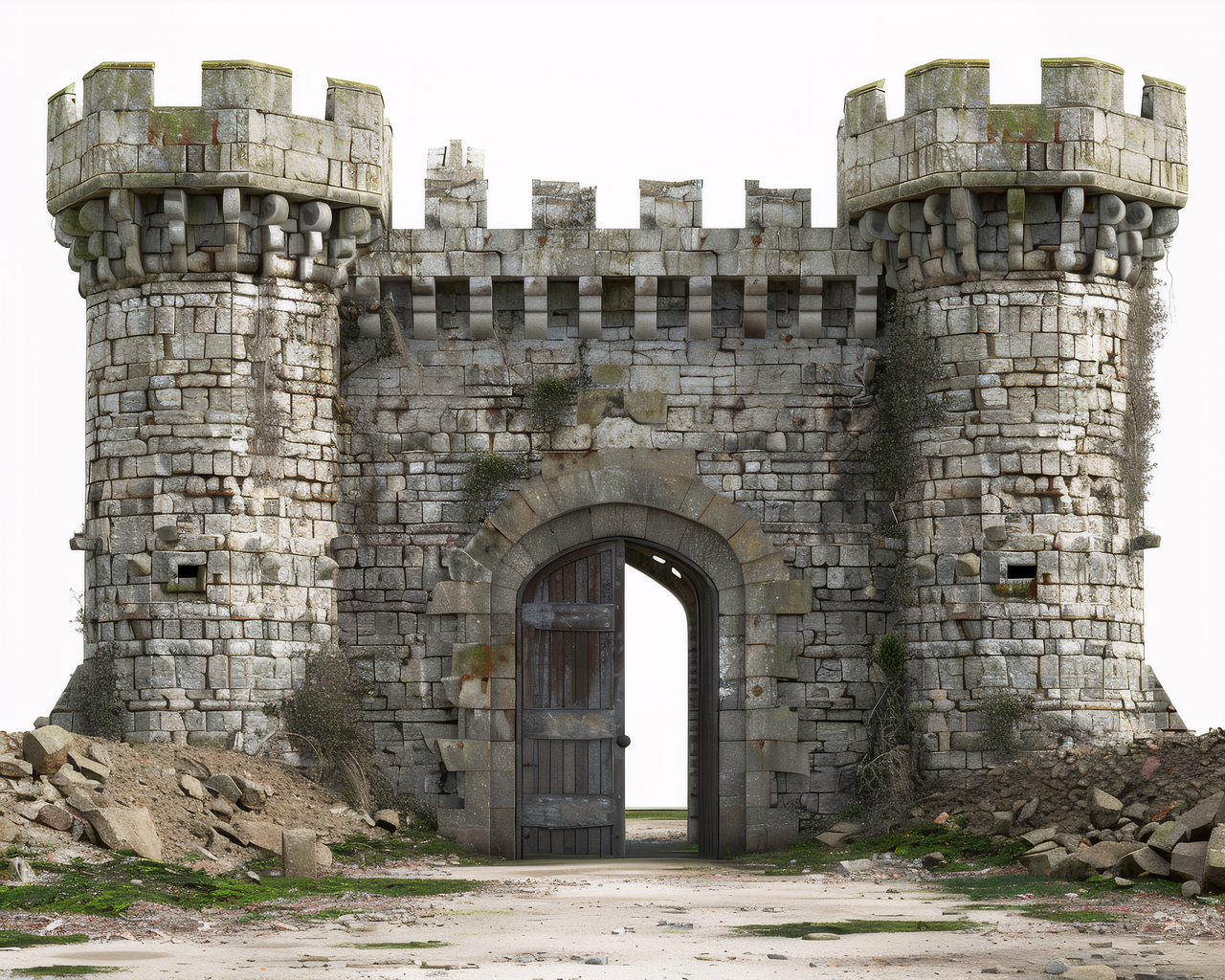 castle
Castle structure preview
Turn a concept image into a rotatable castle model for structure checks and web GLB preview quality.
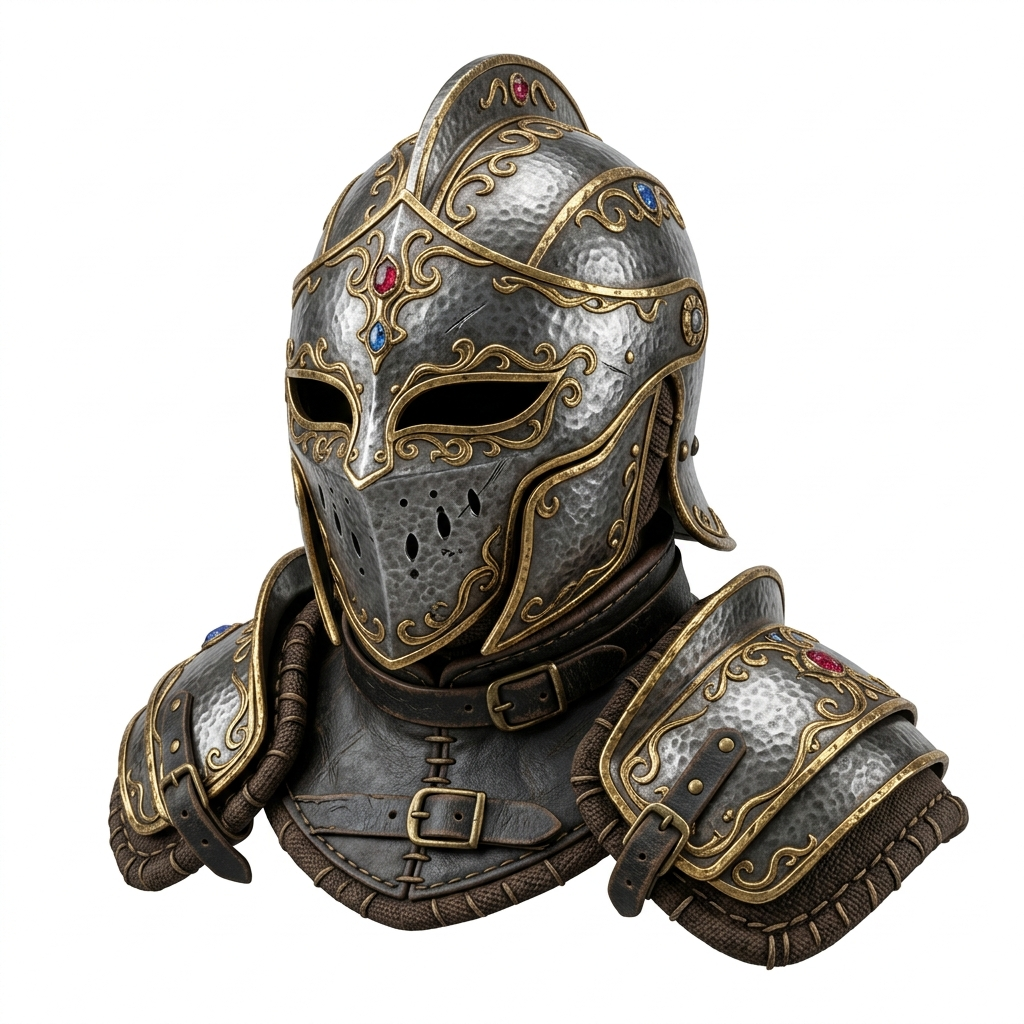 helmet
Prop and armor route
Use fantasy gear to judge whether the model should continue into Blender cleanup, game prototyping, or stylized asset iteration.
Format choice
Choose export format by the next workflow.
GLB
Best for web previews, product pages, AR tests, and sharing lightweight textured models.
OBJ
Best for continued mesh cleanup in Blender or another editor.
STL
Best for early slicer checks. Before printing, verify wall thickness, supports, and scale.
PLY
Best for mesh inspection, point or color workflows, and technical experiments.
Photo to 3D model: upload a photo, picture, JPG or PNG
To turn a photo or picture into a 3D model on Image3D, upload a PNG, JPG (JPEG), or WebP image up to 10 MB in the tool above, choose Standard or Pro, and generate in Studio. Single-subject photos with a clean background, even lighting, and a clear front or three-quarter view produce the cleanest geometry.
The uploader accepts PNG, JPG (JPEG), and WebP files up to 10 MB (minimum 64 × 64 px and aspect ratio under 4:1; transparent PNGs are flattened automatically and oversized files are resized to fit 128–2048 px per side). For the sharpest silhouette and back-side inference, center one full object against a plain backdrop with soft, even light and avoid cropped edges, heavy glare, or overlaid text.
Need a printable file? Use Image to STL.
AI 3D model generator from image: Standard vs Pro
Image3D offers two core image-to-3D tiers: Standard costs 10 credits per model for fast shape tests, while Pro costs 100 credits per model for higher-detail geometry and PBR textures. Both tiers export in GLB, STL, OBJ, and PLY formats on paid plans.
| Feature | Standard | Pro |
|---|---|---|
| Credits per image-to-3D model | 10 credits | 100 credits |
| Output focus | Fast shape tests and concept drafts | Higher-detail mesh and PBR textures |
| Models per 1,000 credits | 100 models | 10 models |
| Export formats | GLB, STL, OBJ, PLY | GLB, STL, OBJ, PLY |
| Included in plans | Maker, Creator, Power | Maker, Creator, Power |
Start with Standard when checking whether a reference photo reconstructs cleanly, then run Pro when you want sharper surface relief and PBR materials. Creator and Power plans also add Ultra (350 credits per image-to-3D model).
Is Image3D free?
No—new Image3D accounts start with 0 credits, and generating or exporting custom 3D models requires a paid credit pack or subscription. The lowest-cost entry is the one-time $9.99 Maker Pack (1,000 non-expiring credits, or 1,200 with the current Black Friday bonus), equal to 100+ Standard models. Monthly subscriptions are Creator ($39.99/month) and Power ($89.99/month).
You can inspect saved public 3D examples on the site without signing in, but there is no zero-cost custom generation or custom 3D viewer pass for new accounts. Current Image3D pricing: Maker is $9.99 one-time for 1,000 non-expiring base credits (1,200 credits through Nov 30 UTC with the +200 Black Friday bonus), covering Standard and Pro generation plus GLB, STL, OBJ, and PLY exports (Ultra excluded). Creator is $39.99/month for 2,500 credits/month (or $19.99 first month / $229/year Black Friday rate lock), and Power is $89.99/month for 6,000 credits/month (or $44.99 first month / $499/year Black Friday rate lock); both subscriptions include Standard, Pro, Ultra, and New Models.
Lock Black Friday Rates or Start with $9.99
Private commercial STL, GLB, OBJ & PLY ownership. Annual locks issue fresh credits each month.
Start here
Public demos
$0
no card required
Explore saved models
Rotate PBR/Clay/Wire · no sign-in
View demos →
One-time · +200 BF Bonus
Maker Pack
$9.99
one-time · never expires
1,200 credits · Pro access
12 Pro or 120 Standard models · GLB/STL/OBJ/PLY · no auto-renewal
Get 1,200 Credits — $9.99 →
53% OFF ANNUAL · $19.08/mo
Creator Annual
$229
per year · save $250/yr
2,500 credits / month (issued monthly)
Pro + Ultra + New Models · renews yearly · cancel anytime
54% OFF ANNUAL · $41.58/mo
Power Annual
$499
per year · save $580/yr
6,000 credits / month (issued monthly)
Top priority + Ultra + New Models · renews yearly · cancel anytime
Pricing
Start with a one-time pack, or choose a creator subscription when you need recurring volume.
Start with public 3D examples. No credit card required.
Most Popular
Creator
For creators & professionals
$39.99
/month
billed monthly
Choose Creator- 2,500 credits / month
- Pro and Ultra access for recurring work
- Priority queue
- Buy extra credit packs anytime
Power
For studios & heavy users
$89.99
/month
billed monthly
Choose Power- 6,000 credits / month
- Everything in Creator, plus:
- Top priority queue
- Buy extra credit packs anytime
- Dedicated support
Enterprise
Custom volume & API access
Custom
Start Enterprise Request
- Custom credit volume
- Everything in Power
- API access
- SLA guarantees
- Dedicated account manager
One-time credit packs — no subscription
Buy once, use it for the project, and leave when you are done. Credits never expire and can stack with subscriptions.
Maker Pack
Pro quality access
$9.99
1,000 credits · Pro access · exports included · never expire
Get Maker PackFAQ
Which file formats can Image3D export?
Image3D exports GLB, OBJ, STL, and PLY. These formats fit common CAD, print, game engine, and visualization workflows.
Does Image3D support both text and image inputs?
Yes. Switch between Text to 3D and Image to 3D modes using the tab at the top of the parameters panel.
What are PBR textures?
PBR (Physically Based Rendering) textures include diffuse, normal, and roughness maps that make your 3D model look realistic under any lighting condition.
Can teams use generated assets for commercial projects?
Generated models are yours to use for personal and commercial purposes, subject to the terms and rights in your inputs. Free is preview-only; exporting your own model requires eligible paid access.
How can I sign in?
Sign in with your Google or GitHub account. Email-only sign-in is not currently available.
Do I need local software before trying?
No. You can complete the first generation and preview directly in this browser workspace.